
Chords and strumming that feel like guitar
Type a chord name and pick a voicing to drop the tab and the chord name in together. Voicings follow your current tuning and capo.

Tab & score editor for bands · Mac & Windows

Guitar and bass, all in one song.
Write your parts, hear them together, and share them as PDF or video. Lowline for bass and Highline for guitar, now in one tab & score editor for bands.
Buy now (¥2,980 each, before tax) Try it in your browser In the web demo, pick guitar or bass, write up to 8 bars of tab and hear it with real sound.
Already using Lowline?
Lowline is now Linert. Linert 2.0 is a major update to Lowline, at no extra cost. Your songs, settings and license carry over, so you can keep writing bass parts exactly as before.
Why Linert
Most tab software is packed with features for orchestral and full-band scores — far more than you need when all you want is to put one part on paper.
Linert grew out of writing out dozens of original songs. It doesn't just strip things away — it's loaded with every “I wish it could do this” feature we could think of.
However many guitars you stack, every part shares the same barlines. Play them all together and switch parts from the top bar as you write.
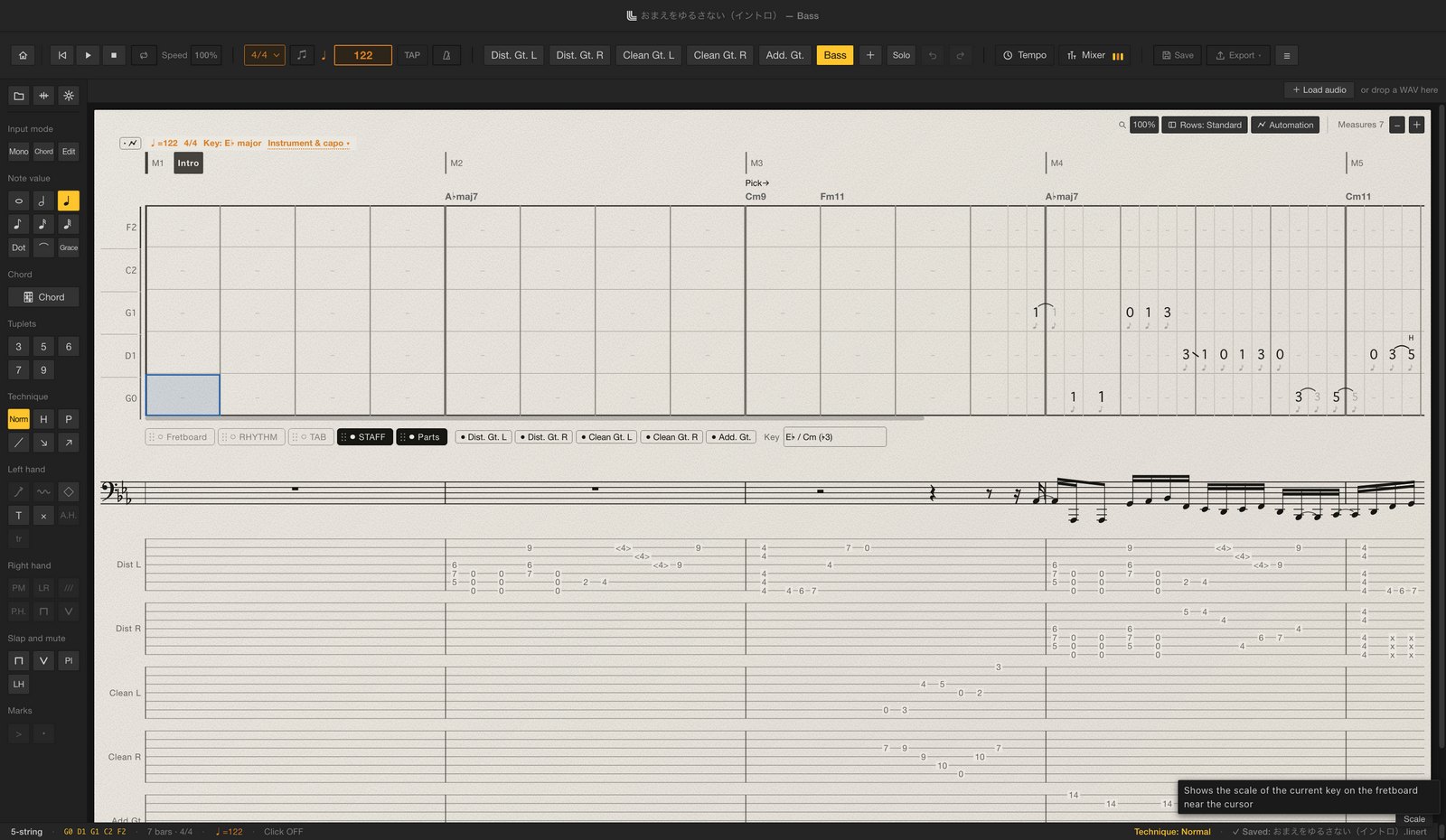
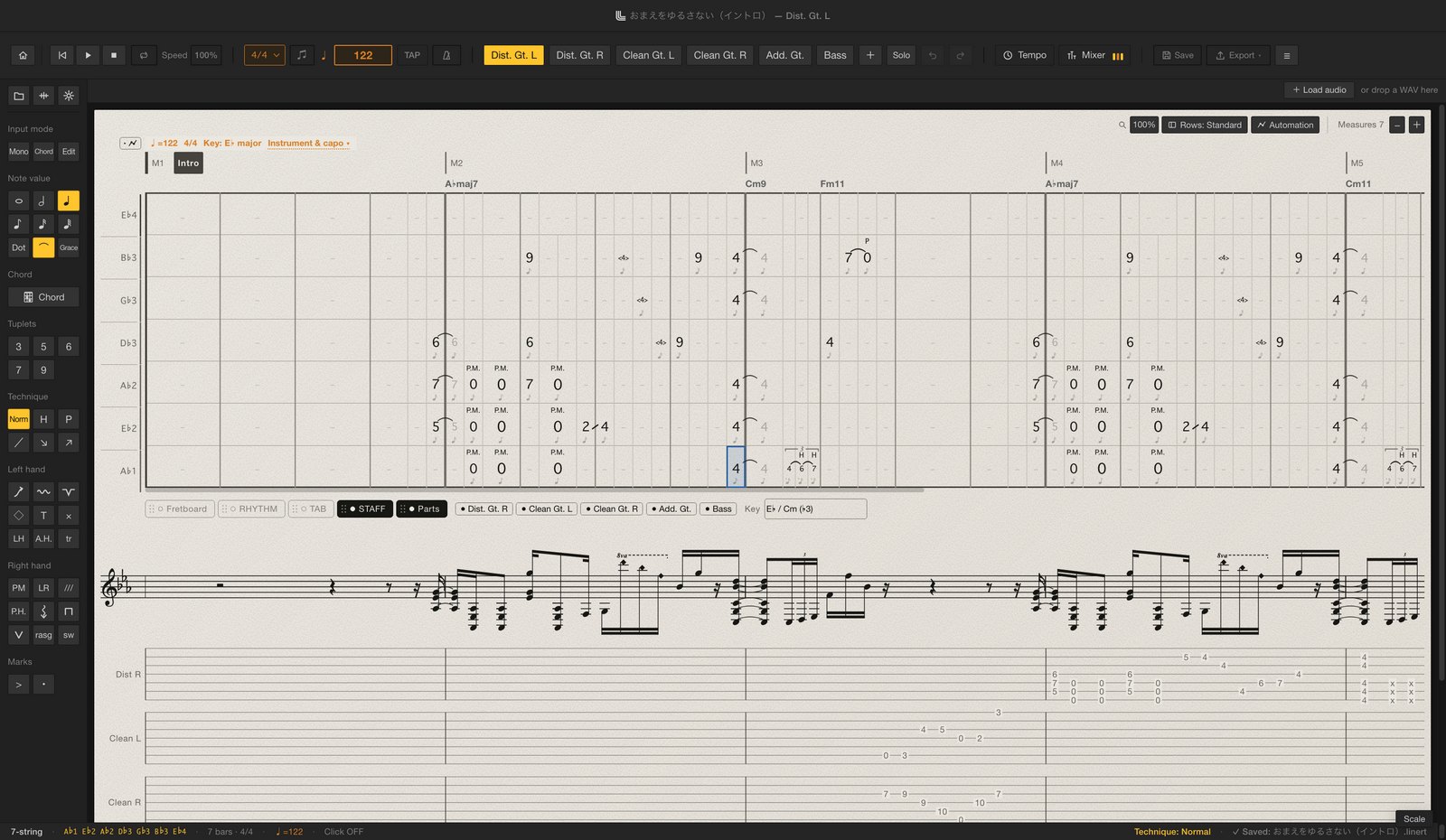
Instruments
There's one app, and your licenses decide which parts you can edit. Start with either one and add the other any time. Parts without a license can still be opened, viewed and played. Beatline for drums is coming soon.
Type a chord name and pick a voicing to drop the tab and the chord name in together. Voicings follow your current tuning and capo.

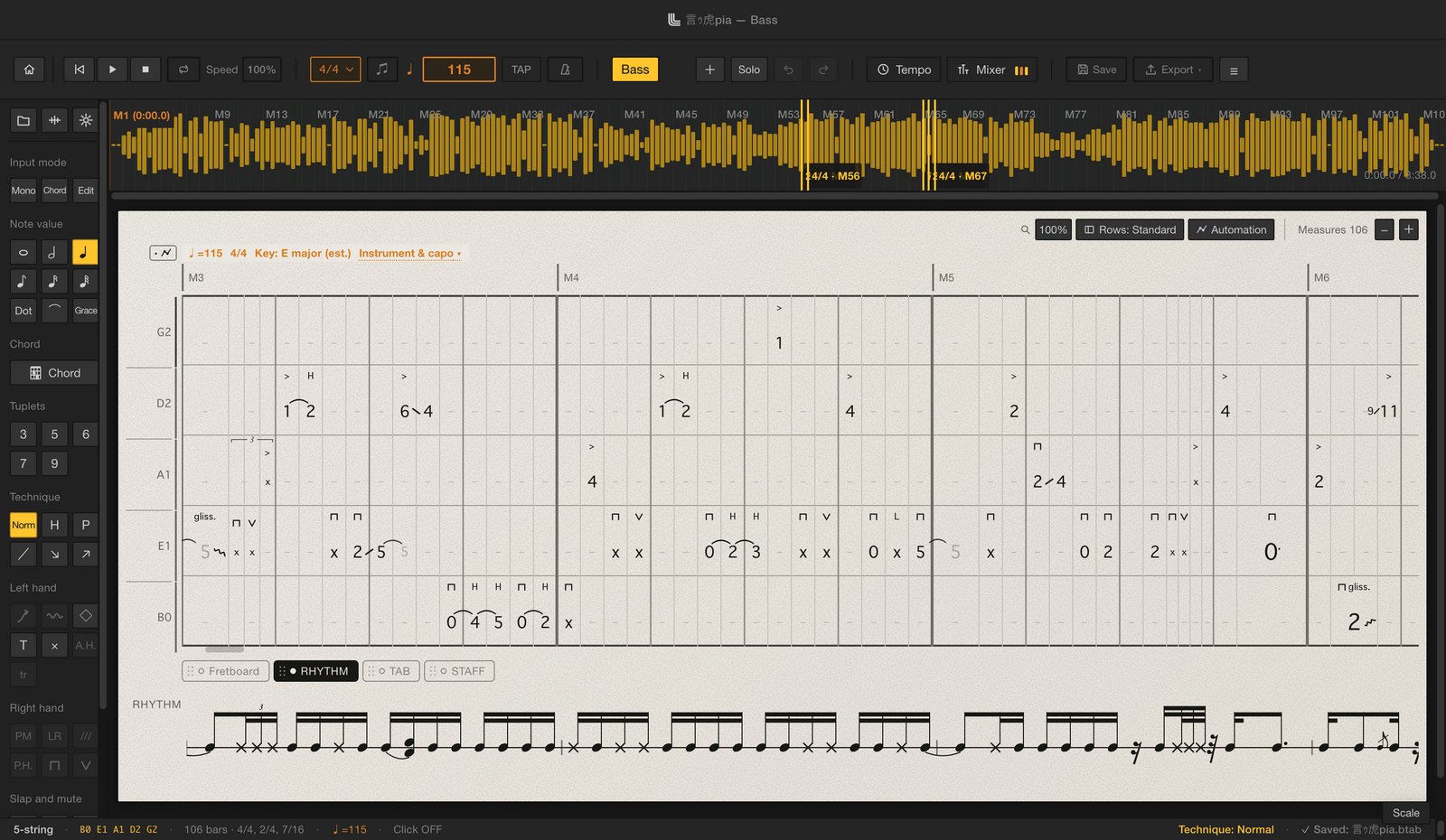
The editor a bassist built for writing basslines, carried over as it was. Fingerstyle and slap both play back with samples recorded from a real bass.
 Coming soon
You'll be able to add a drum part to the same song as your guitar and bass. It's a separate license from Lowline and Highline, and it isn't on sale yet.
Editor
The editor was redesigned from scratch to feel simple and lightweight. Many shortcuts match Guitar Pro 8, so you'll feel at home if you're switching.
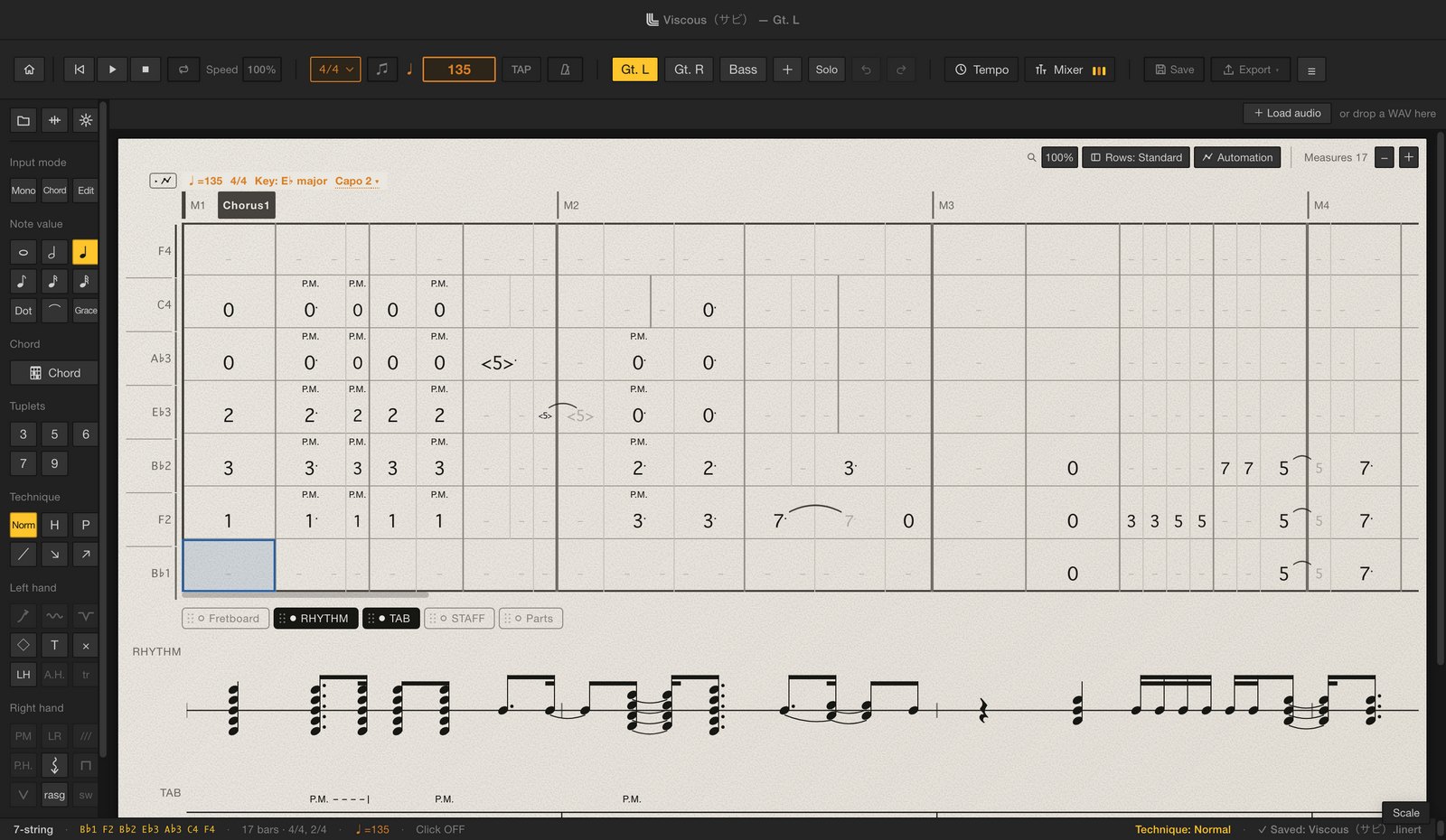
Features
Import the stem of your recorded bass or guitar and Linert drafts the tab for you.
No more starting from a blank page.
* Accuracy depends on the recording (a clean, effect-free signal works best) and on how demanding the playing is.
* WAV files only (MP3 and other formats are not supported).
Export a video of your tab moving across the screen. Key out the background, lay it over your playing footage, and your social posts go up a level.
Have it scroll, turn pages every few bars, or show the current shape as a big chord diagram. Pick both the score and chord diagram looks to export two videos in one go. Choose a green screen, blue screen, black, white or any custom background. For Shorts and Reels, lay it across your vertical video as a strip.
The library puts every score you've written one click away. Linert keeps a backup every time you edit, so if you close without saving, you can pick up where you left off.
Songs are saved as named .linert files in your library folder, and open with a double-click in the Finder or File Explorer. Each song remembers all its parts, mixer settings and audio file location.
Playback uses samples recorded from a real bass and a real guitar. Set level, pan and tone for each part in the mixer, and add filter, chorus, delay and reverb. You can even switch tones during playback.
Practice

Tightline scores your playing against the tab, right after you play. Open it from inside Linert and practice the song you're writing.
Tightline inside Linert shows no ads, so nothing gets between you and your next take.
It opens on the current part of the song you have open. Get scored from start to finish in one take, or just work on the bars you need.
Get scores for timing, pitch, note endings and evenness. Click a note in the tab to see how many ms it was off.
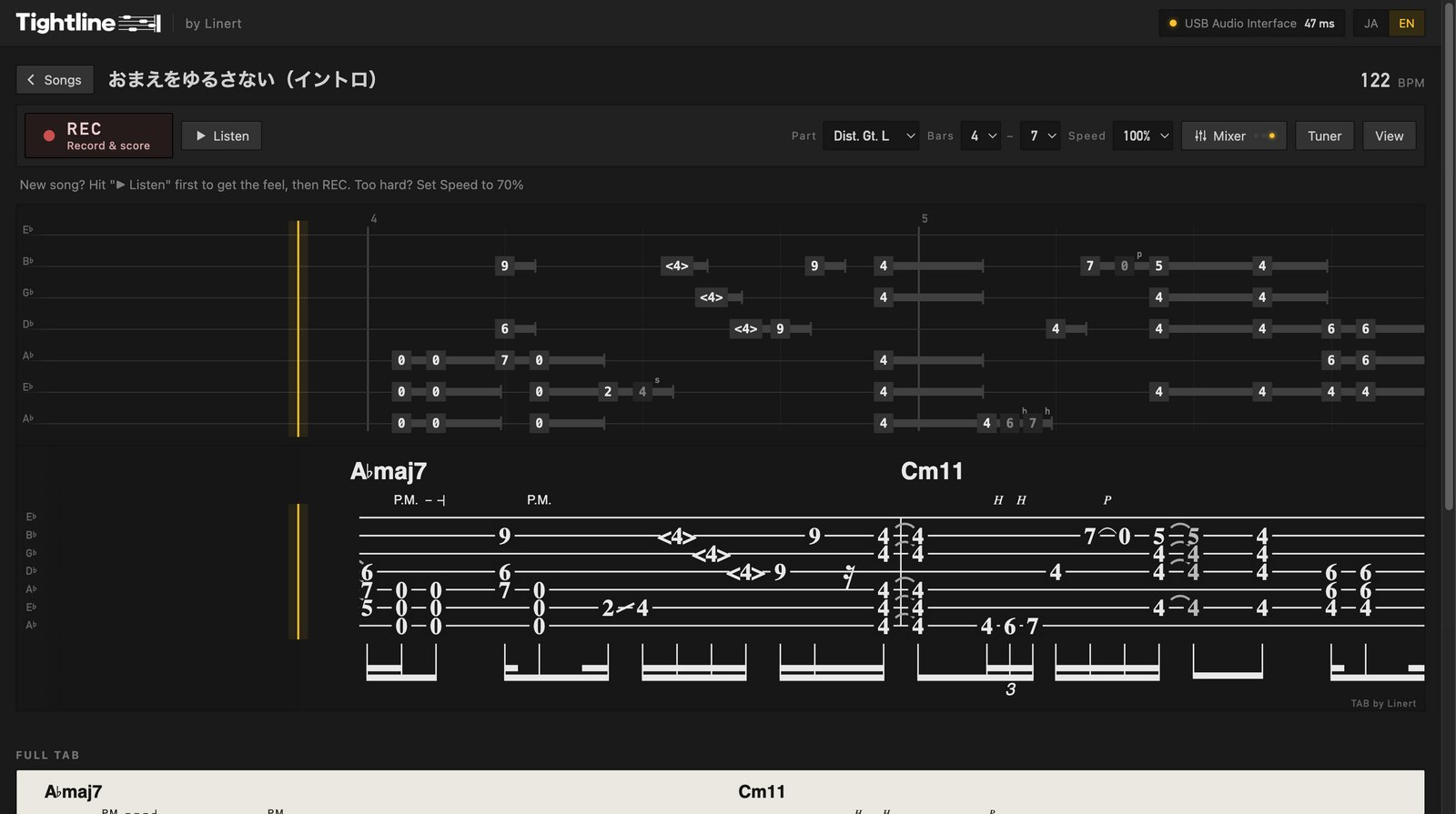
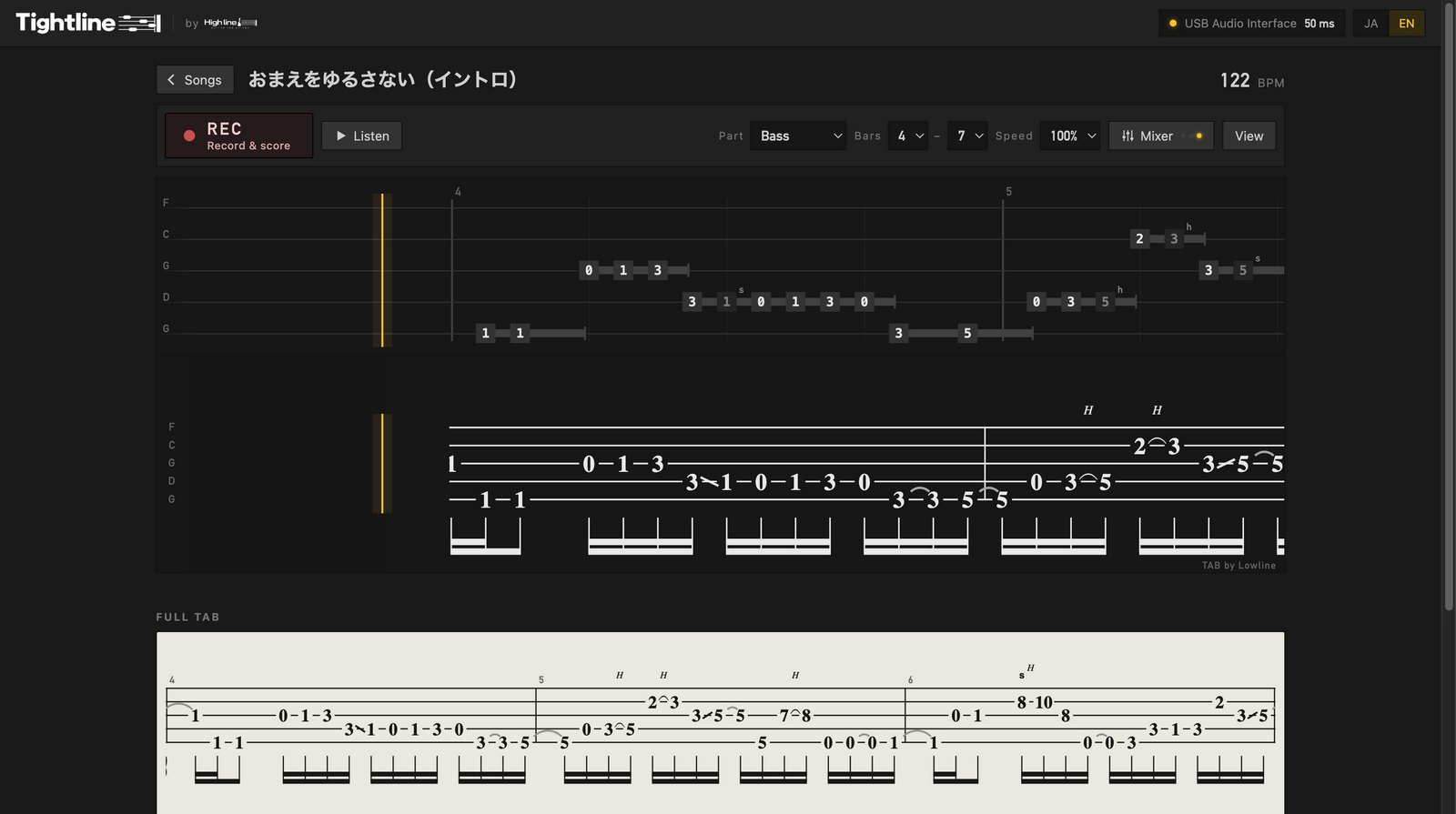
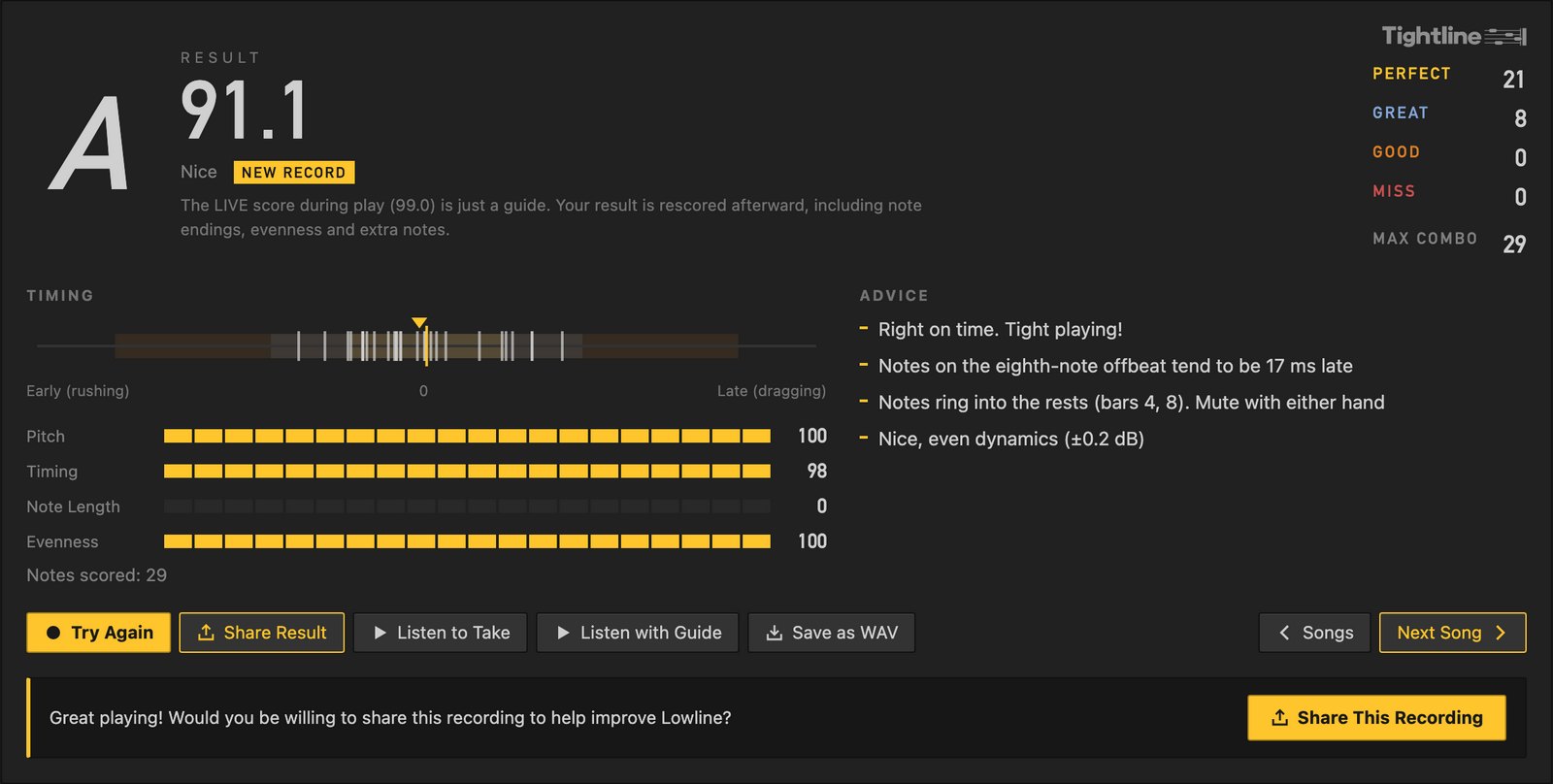
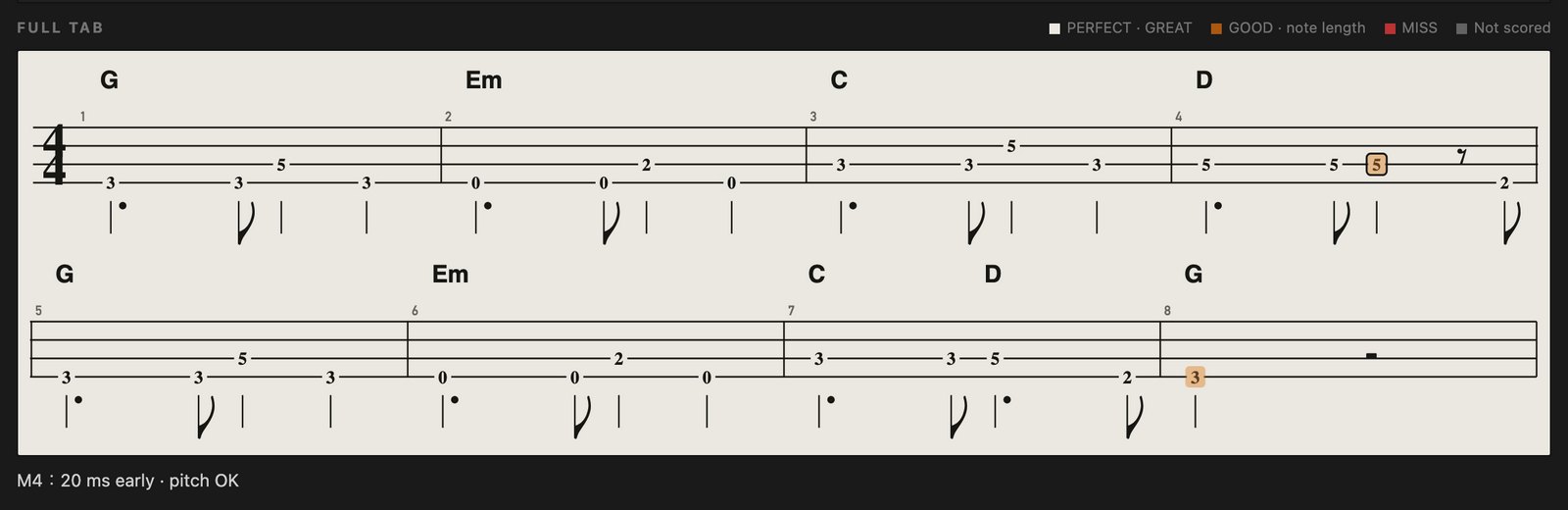
A tab & score editor for bands —
like no other, made for guitarists and bassists.
Availability
Bass (Lowline) and guitar (Highline) are available now. Drums (Beatline) are coming soon as a separate license.
To edit both instruments, add both licenses. If you already own Lowline, the update to Linert 2.0 is free.
User guide
From installing to writing and exporting, explained with screenshots and short videos.
Take a look before you buy.
Get the Windows app (Microsoft Store)
Before you buy, please read the terms of use and our legal notice.